The average American reads 17 books per year. A reading log helps you remember what you read, when you finished it, and what you thought about it. This one is a free PDF you can print at home. No sign-up, no email, no catch. Download it, print it, and start filling it in.
Download the reading log
Free Printable Reading Log
Monthly and yearly tracking pages. Space for title, author, date, rating, and notes. Print as many copies as you need.
Free download. No email required.
What's in the template
The PDF includes everything you need to track your reading by hand, without clutter.
- Yearly overview page - one row per book with columns for title, author, date started, date finished, rating, and a notes column for short thoughts.
- Monthly tracking pages - 12 pages, one per month. Each has space for the books you read that month with room for a quick rating and a one-line takeaway.
- Reading goals section - set a yearly book target and check off each one as you finish. Simple progress tracker.
- TBR (to-be-read) list - a dedicated page for books you want to read next. Jot down recommendations as you hear them so you never forget.
The layout is clean and minimal. It prints well on standard A4 or US Letter paper in black and white.
How to use your reading log
Print the pages you need, put them in a binder or clip them together, and keep the log near where you read. Here are a few tips that make it more useful over time.
Fill it in right after finishing a book
Your first impression is usually the most honest one. Write down your rating and a one-sentence thought before you forget. "Loved the pacing but the ending felt rushed" is more useful than a blank notes column six months later.
Color-code by genre
Use colored pens or highlighters to mark different genres. At the end of the year you can see at a glance whether you read mostly fiction, nonfiction, or a mix. Some readers use a dot in the margin - blue for fiction, green for nonfiction, red for poetry.
Do a monthly review
At the end of each month, flip back through your entries. Count how many books you finished. Check if you're on pace for your yearly goal. This takes two minutes and it helps more than you'd expect.
Keep your TBR list updated
When someone recommends a book, add it to the TBR page immediately. When you finish a book and don't know what to read next, check the list instead of browsing online for an hour.
3 ways to track your reading
A printable log is one option. Here's how it compares to the other two common approaches.
| Method | Best for | Pros | Cons |
|---|---|---|---|
| Paper log (this PDF) | Readers who like writing by hand | Tactile, no screen time, works offline, no account needed | No automatic stats, can't search, easy to lose |
| Spreadsheet | Readers who want custom columns | Fully customizable, formulas for stats, free (Google Sheets) | Tedious past 50 books, not fun to look at, no mobile widget |
| Reading tracker app | Readers who want stats and streaks | ISBN scanner, automatic stats, reading streaks, widgets, export | Requires a phone, some apps charge monthly |
There's no wrong answer. Some readers use a paper log at home and an app when traveling. Others start with paper and switch to digital after a year when they want to see their stats without counting by hand. Use whatever keeps you tracking consistently.
A common pattern we see in reading communities: readers who track on paper for a year or two eventually want their data to be searchable. They want to know how many books they read last year, which genres they gravitated toward, or which month they read the most. That's hard to do by flipping through pages. Some readers solve this by keeping both a paper log and an app, others move entirely to digital. Neither is wrong. What matters is that the system doesn't feel like a second job. For a deeper look at what makes a reading journal stick long-term, see our guide on how to keep a reading journal.
If you want the app option, PagePath tracks books on your phone with no subscription. If you're switching from another app, here's how to export your Goodreads library as a CSV file.
If you want the digital version
Paper works well for a lot of readers. But if you find yourself wanting automatic page counts, reading streaks, or monthly stats without counting manually, a reading tracker app does that for you.
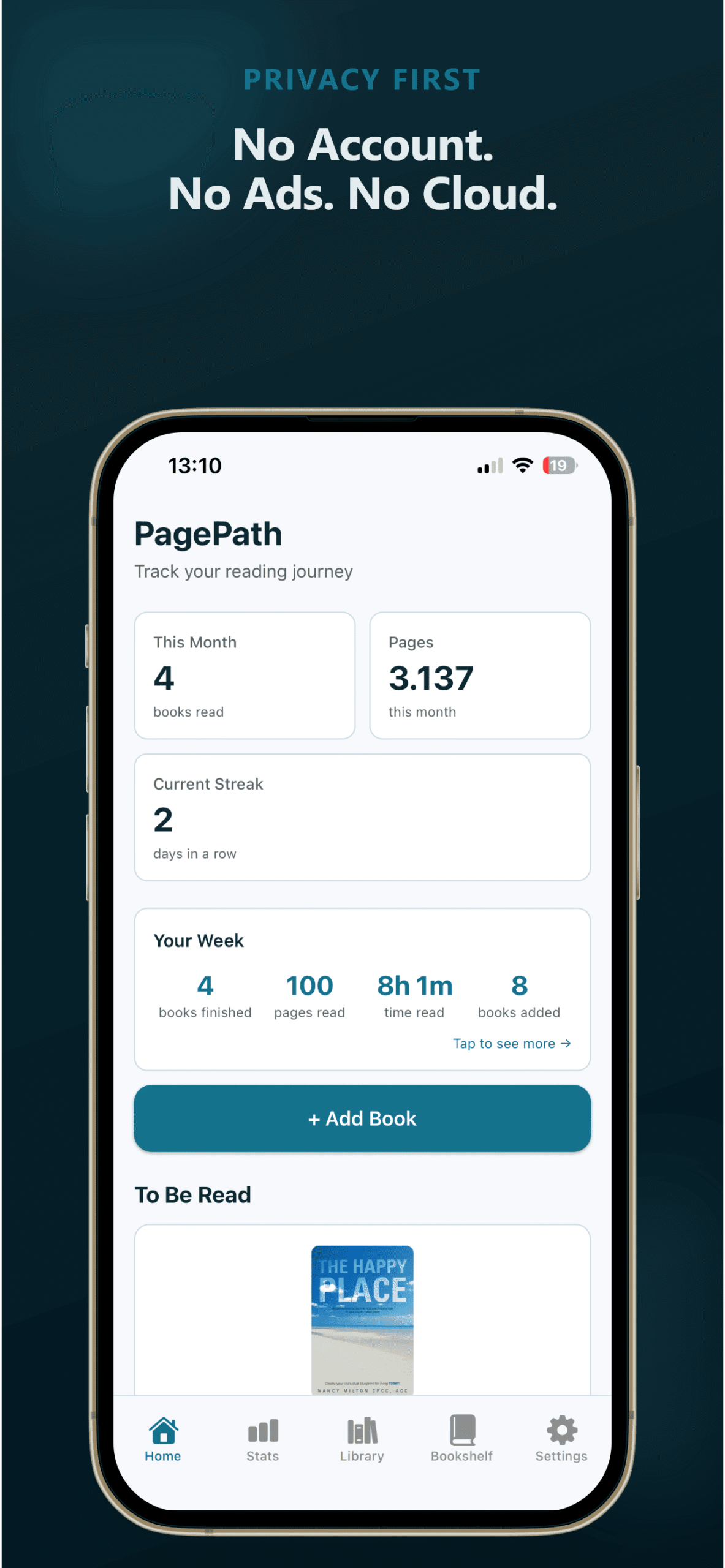
PagePath tracks the same things this PDF does - title, author, date, rating, notes - plus it adds reading time tracking, half-star ratings, a reading calendar, yearly goals, and weekly/monthly reading wraps. There's even a TBR Roulette that picks your next book for you. Everything stays on your phone. No account, no cloud, no subscription. Free for 25 books, then $9.99 one-time for unlimited.
Not sure which reading tracker to use? Here's a comparison of the best Goodreads alternatives and best book trackers without a subscription.
Frequently asked questions
Want automatic stats instead?
PagePath tracks your books, reading time, and goals on your phone. Free for 25 books. One payment for unlimited. No subscription.
Part of our complete guide to tracking what you read.