The Complete Guide to Tracking What You Read
Whether you use a notebook, a spreadsheet, or an app - here's how to build a reading habit you can actually see.
Most readers have a rough idea of what they've read. A few titles come to mind, maybe a favorite from last year. But ask how many books you finished in 2025, or which month you read the most, and it gets hazy fast.
Tracking what you read fixes that. Not because the numbers matter on their own, but because looking back at a list of 30 books you finished feels different than guessing "maybe 15 or 20." It turns reading from something you do into something you can see.
This guide covers every method - paper logs, spreadsheets, apps - and helps you pick the one that fits how you actually read. No single method is best. The best one is whichever you'll use consistently.
Across dozens of reading communities, the same themes keep showing up. Readers who switch between Kindle, Audible, and paperbacks want one library that counts all three. People with 80-book TBR lists need a way to pick the next book without overthinking it. Subscription fatigue is real. And readers who set annual goals often find the number starts controlling what they read instead of reflecting it. These patterns shaped how we built PagePath and what this guide covers.
Choose your method
Paper
A notebook or printable log. Simple, tactile, no screen time. Great if you already journal.
Get a free printable logSpreadsheet
Google Sheets or Excel. Flexible, customizable, free. Works until your list hits 100+ books.
How to keep a reading journalApp
A dedicated reading tracker. Scans barcodes, calculates stats, shows progress over time.
Compare the best appsGuides and resources
Best Goodreads Alternatives (2026)
7 reading trackers compared - features, pricing, and who each one is best for.
Best Book Trackers Without a Subscription
Reading apps that charge once or are completely free. No monthly fees.
How to Export Your Goodreads Library
Step-by-step guide to exporting your books and importing them into a new tracker.
Free Printable Reading Log (PDF)
Download a free monthly and yearly reading log. Print it and start tracking on paper.
How to Keep a Reading Journal
Three methods compared - paper journal, spreadsheet, and app. Pros and cons of each.
Reading Statistics (2026)
How much do people actually read? Country-by-country data, trends, and averages.
How to Set Reading Goals You'll Finish
Realistic targets, tracking tips, and what the data says about how much people read.
How to Get Out of a Reading Slump
Practical tips for breaking a slump without guilt or pressure.
Book Rating Systems Explained
Stars, scores, and why half-stars give you more useful ratings over time.
Do Audiobooks Count as Reading?
What the research says, when each format works better, and how to track both.
Start tracking in 3 steps
- Pick a method. Paper if you like writing by hand. Spreadsheet if you want full control. App if you want automatic stats and barcode scanning. All three work. Start with whichever feels easiest.
- Add your last 5 books. Don't try to reconstruct your entire reading history. Just add the last few books you remember finishing. You can always add more later.
- Check in once a week. After you finish a book or a reading session, log it. The habit sticks when you can look back and see a list growing over time.
Looking for a reading challenge? We have a separate guide that covers the 52 Book Challenge, PopSugar prompts, genre challenges, and how to stay on track without burning out. See the complete reading challenge guide.
Want the easiest way to start?
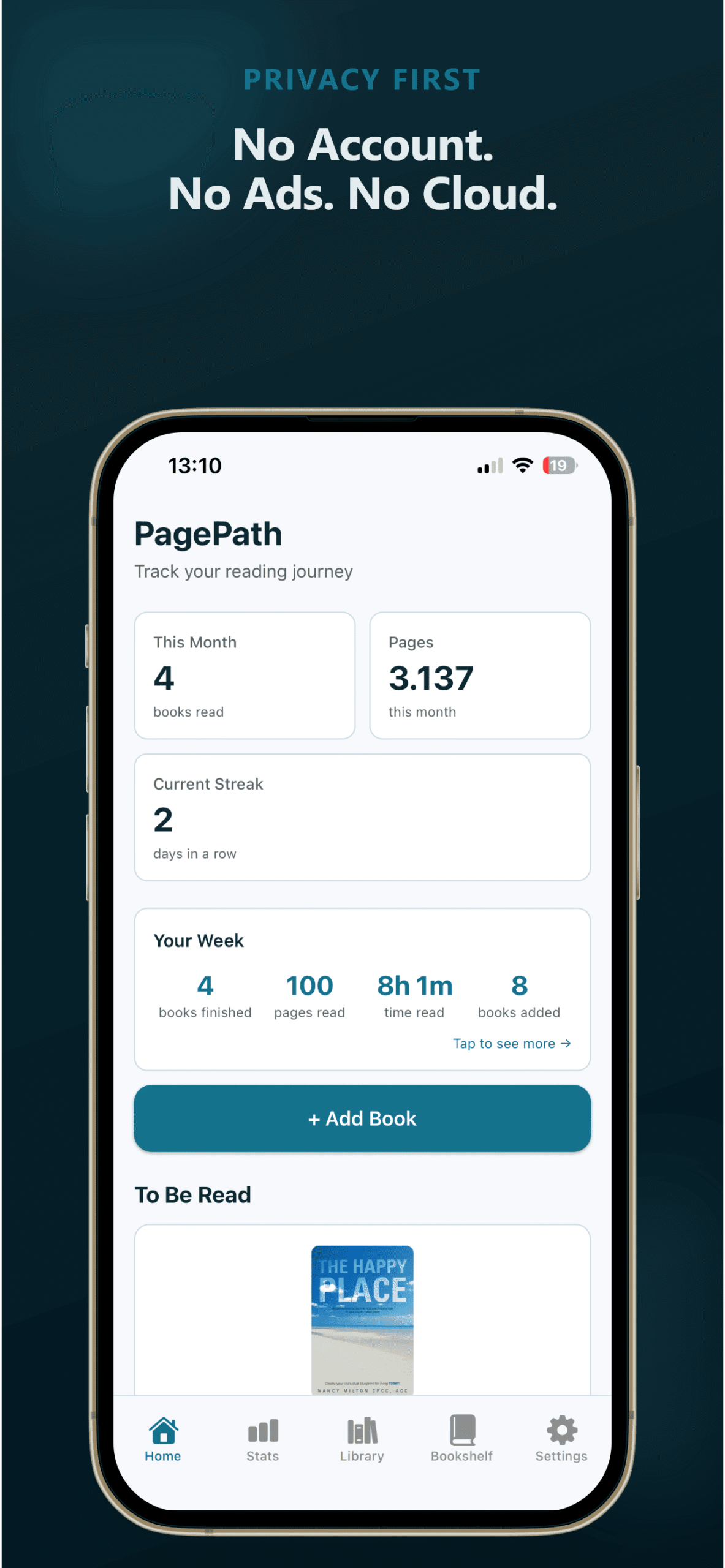
PagePath tracks your books on your phone - private, offline, no subscription. Scan a barcode, add a book in 15 seconds. Free for your first 25 books.