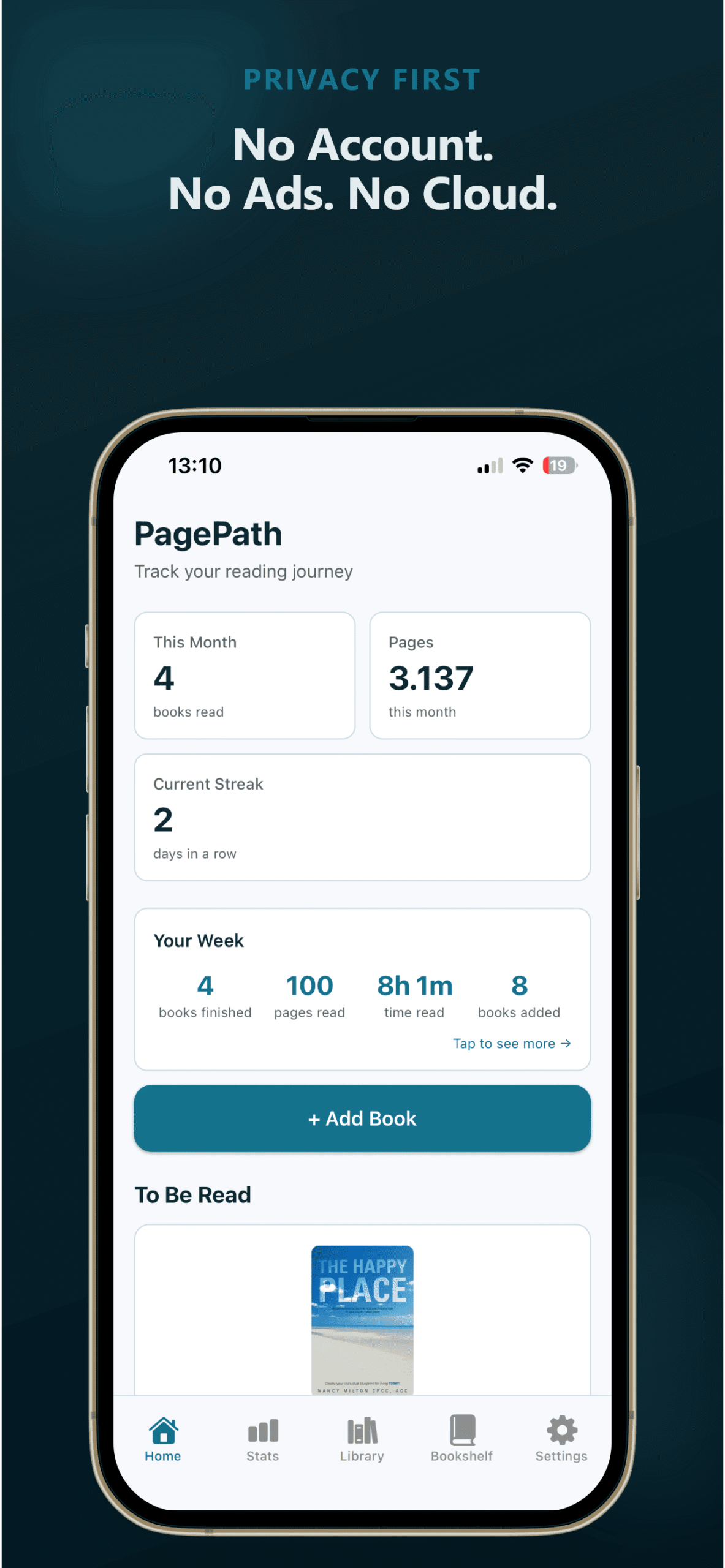
Built for readers who track across print, ebook, and audio, want their data private, and refuse to pay monthly for a reading log.
Sound familiar?
These are problems readers keep running into. PagePath was built to fix them.
Your reading is split across print, ebooks, and audiobooks. No app tracks all three without making you pick one.
PagePath treats every format the same. One library, one history, no format checkboxes.
Your TBR has 80 books on it and you still spend 20 minutes deciding what to read.
TBR Roulette picks from your list so you don't have to. You add the books, it handles the deciding.
You just want to log books. Why does every app need a monthly subscription for that?
PagePath Pro costs $9.99, once. That's it.
See how it comparesYour reading goal was supposed to be fun. Now you feel guilty every time you pick up a longer book.
PagePath shows your reading stats without turning them into a score. Set a goal or don't.
Reading without the guiltEverything you need. Nothing you don't.
PagePath does one job well: helping you remember what you've read and stay motivated to keep reading.
ISBN Scanner & Book Covers
Scan a barcode to add a book in seconds. Covers load automatically. You can also upload your own.
10-15 sec
Time to add a book via scan
Stats & Streaks
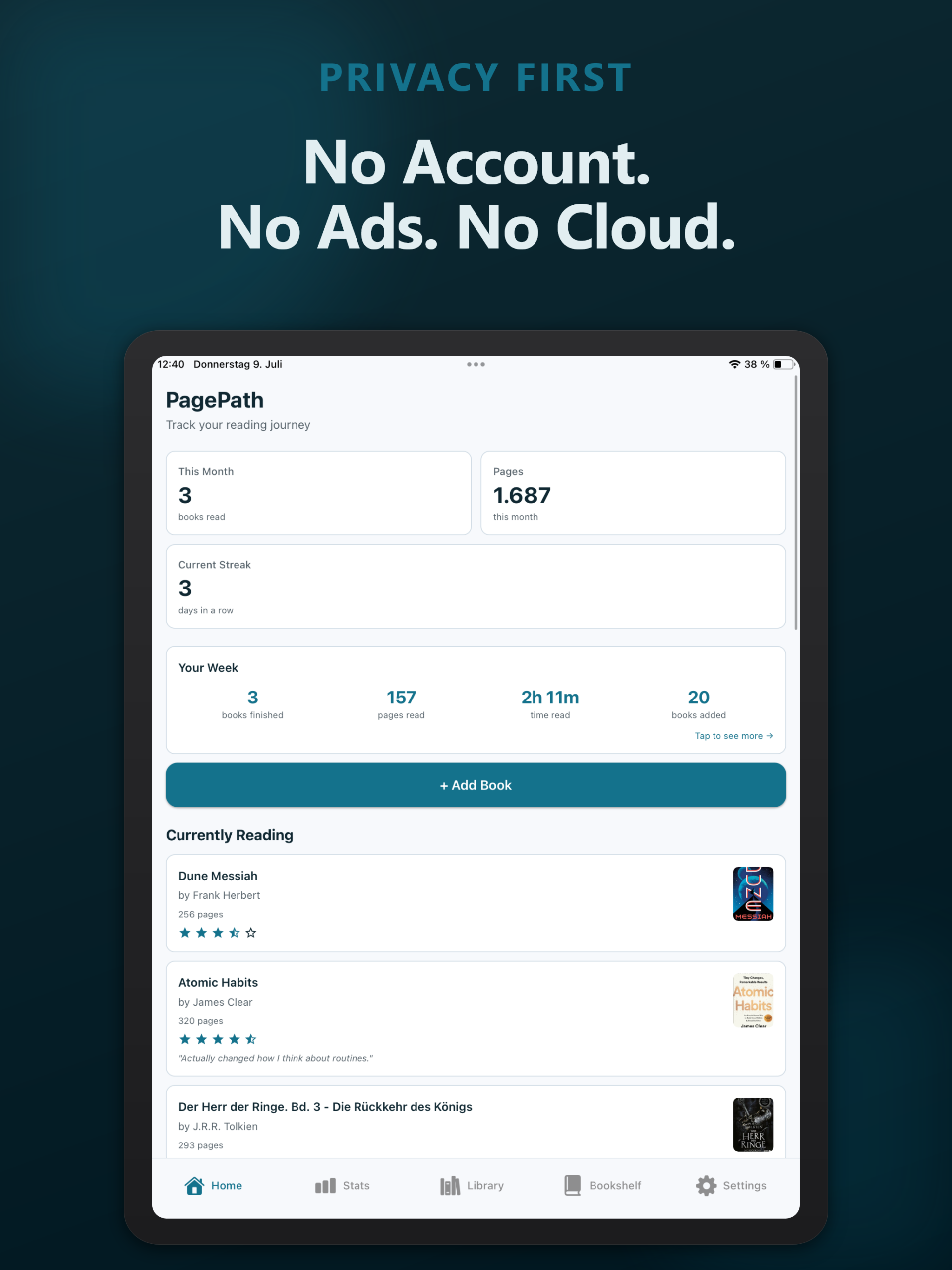
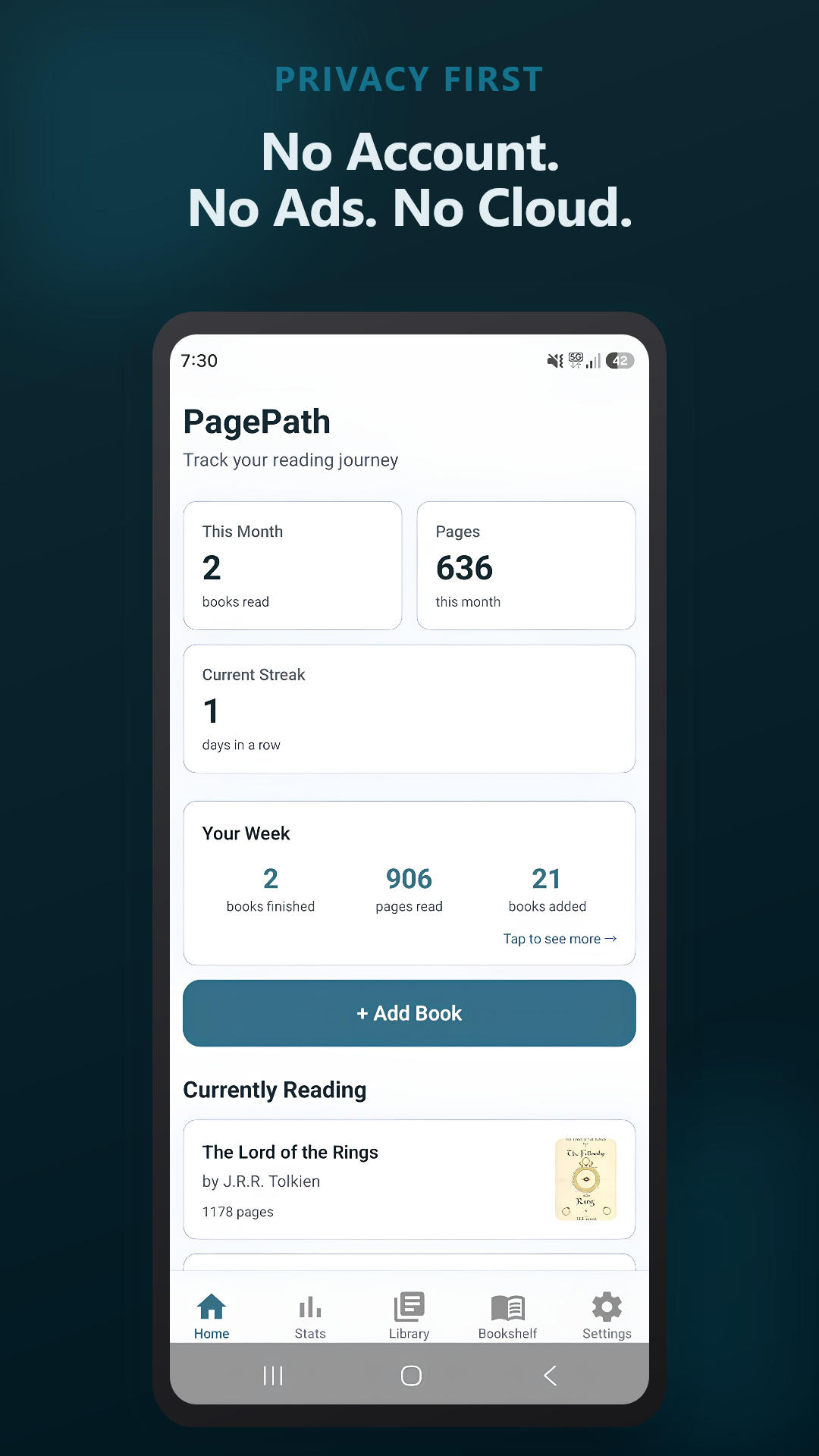
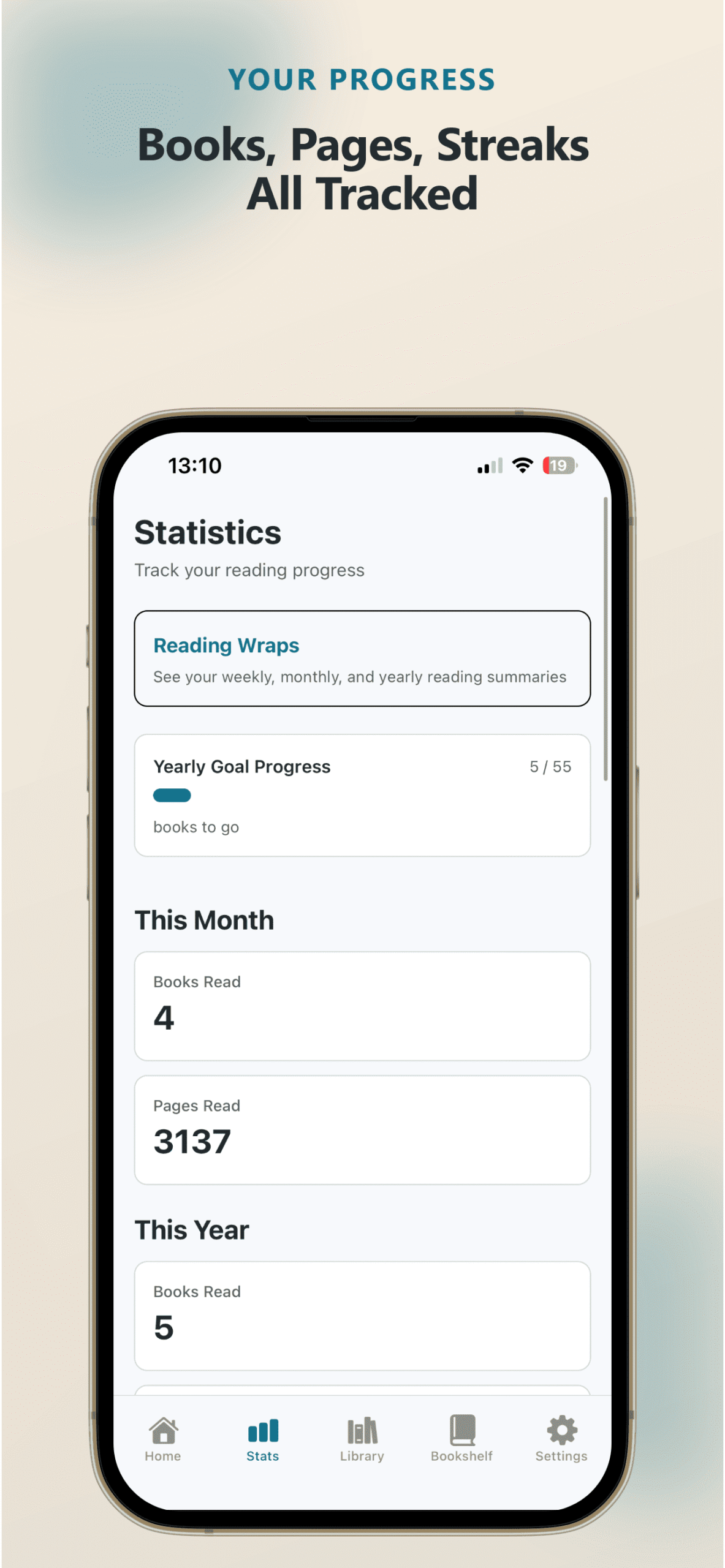
Books this month, pages this year, all-time totals. Daily streaks keep you going.
Stays on Your Phone
All reading data stored locally. No account exists - there is nothing to sign up for. No one at PagePath can see what you've read.
Reading Timer
Track each session. See how your reading time adds up by day, week, or month.
Import & Export
Switching from Goodreads? Import your library in seconds. Export your full reading history as CSV anytime.
TBR Roulette
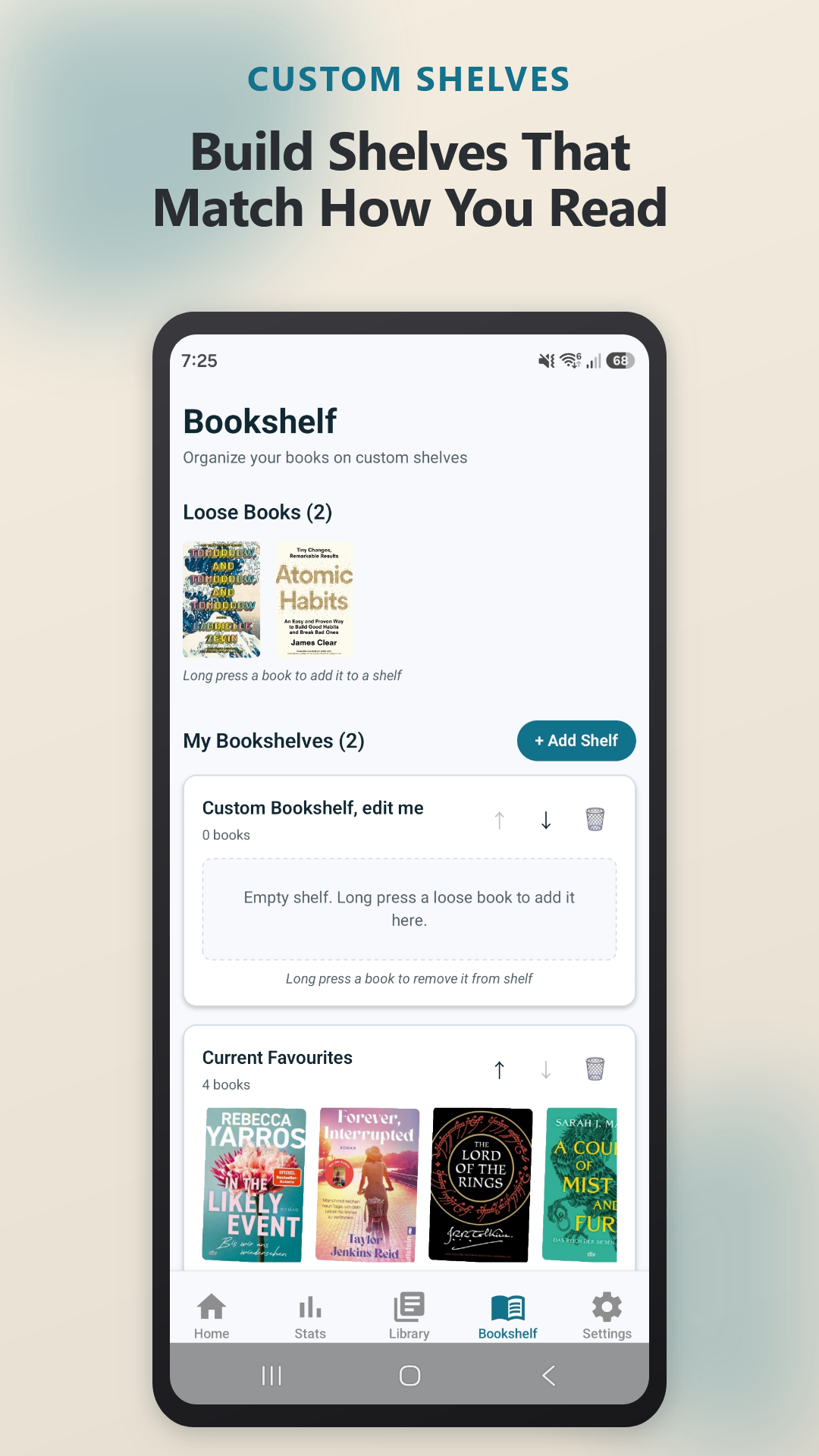
Can't decide what to read next? Spin the roulette and let PagePath pick from your TBR pile.
Reading Wraps
Get a recap of your reading each week, month, or year. Books finished, pages read, genres, and time spent.
Home Screen Widgets
See your current book and reading goal right on your home screen. No need to open the app.
Free to start. One payment to keep.
Free
Core features and weekly wraps. Your first 25 books. No time limit.
25 books
Hit the limit? Upgrade when you want. No rush.
$9.99
Once. Unlimited books + monthly and yearly wraps. Yours forever.
That's less than one month of the subscription apps.
Available on iOS and Android
Same app, same features, one purchase per store.
iPhone & iPad
Android
See PagePath in action
No sign-up walls. No feature tours. Here is what the app actually looks like when you use it.
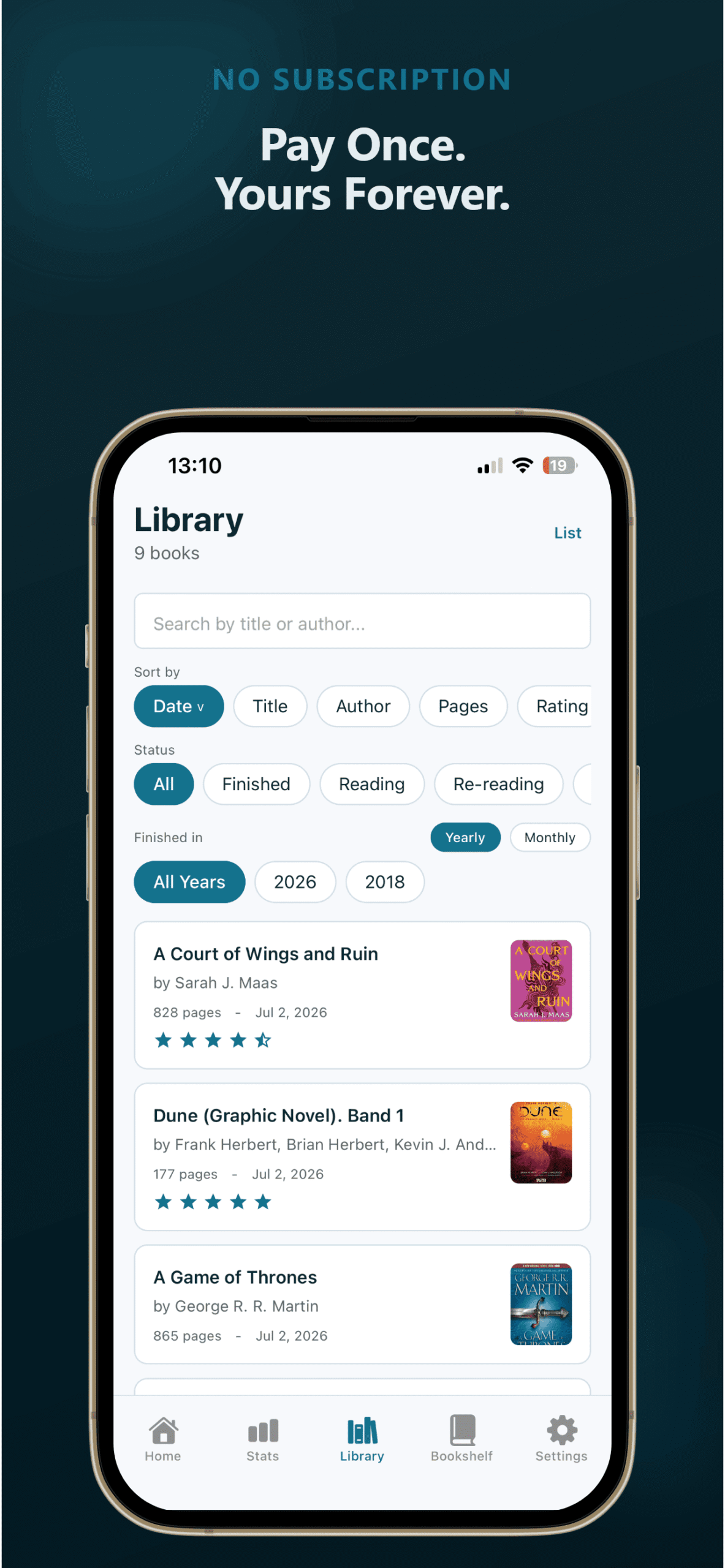
Your Library
Organized the way you think about books
Filter by status, genre, year, or rating. Sort by title, author, date, or page count. Switch between list and grid. Your library grows with you - 20 books or 2,000.
Home Screen
Your reading progress at a glance
Books this month, pages this week, your current streak. No clutter - just the numbers that matter. Tap to add a book or start a reading session right from the home screen.
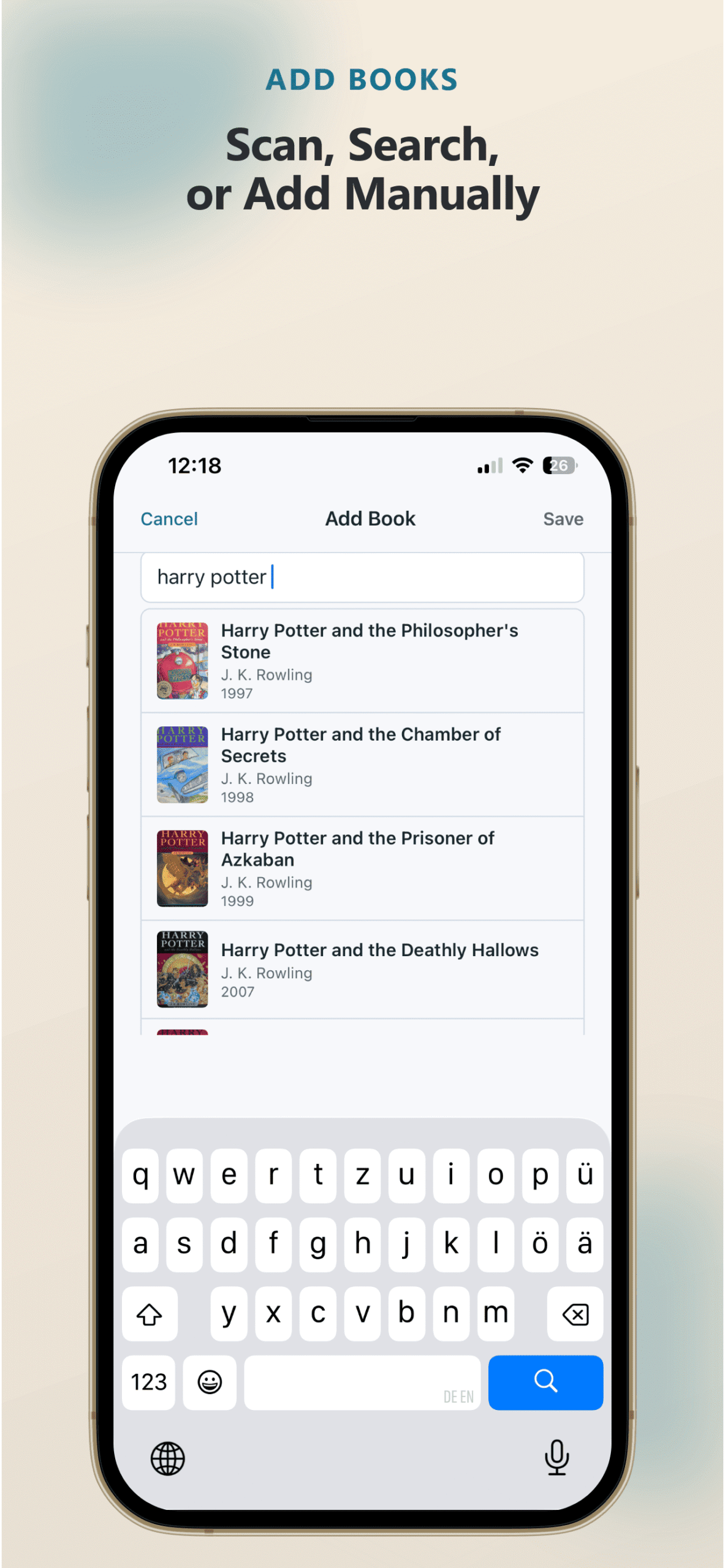
Add a Book
Scan, search, or type - 15 seconds either way
Point your camera at a barcode and the cover, title, author, and page count fill in automatically. Or search by title. Set the status, add tags, rate it, and you are done.
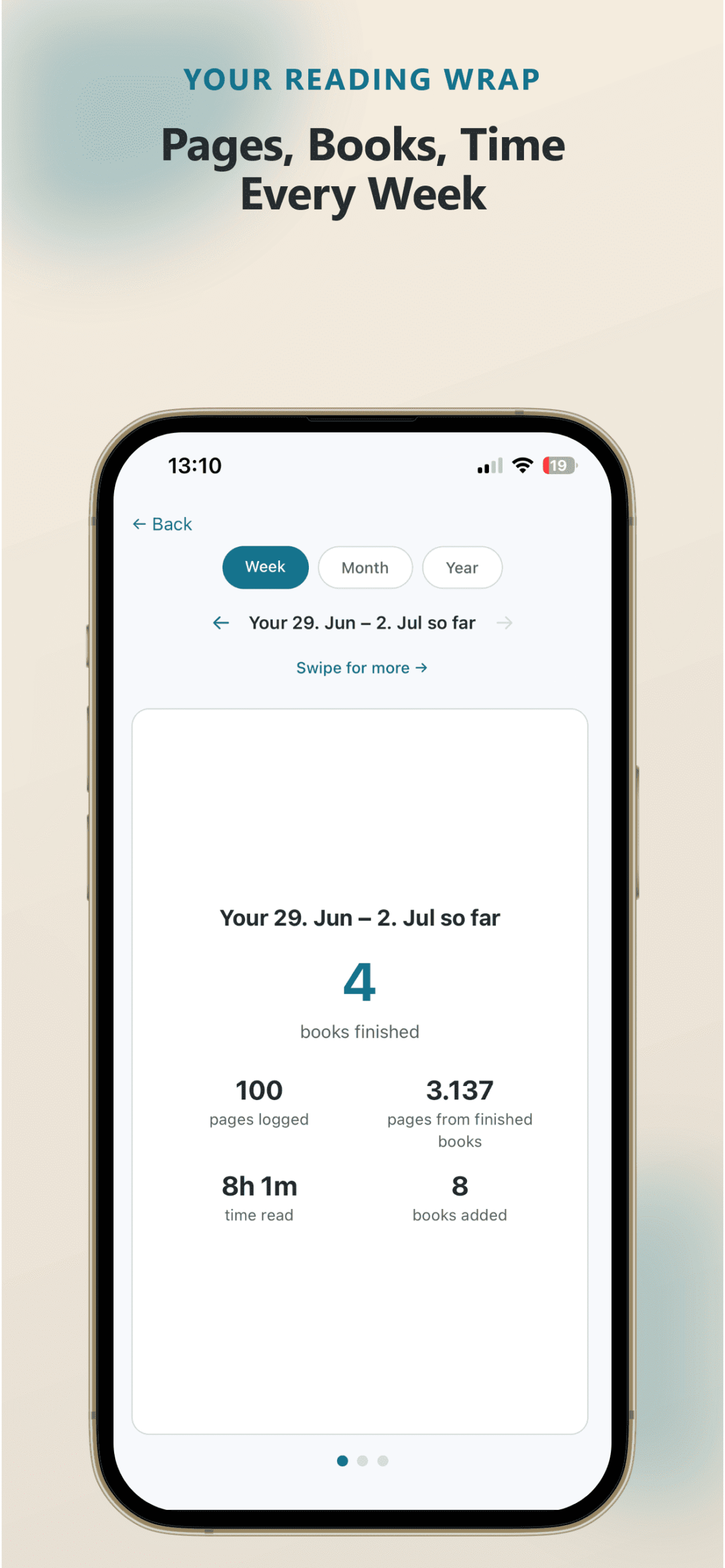
Reading Wraps
Your reading week, month, or year - summarized
Books finished, pages logged, what you are currently reading. Weekly wraps are free. Monthly and yearly wraps come with Pro - see your top genres, longest book, and personal bests.
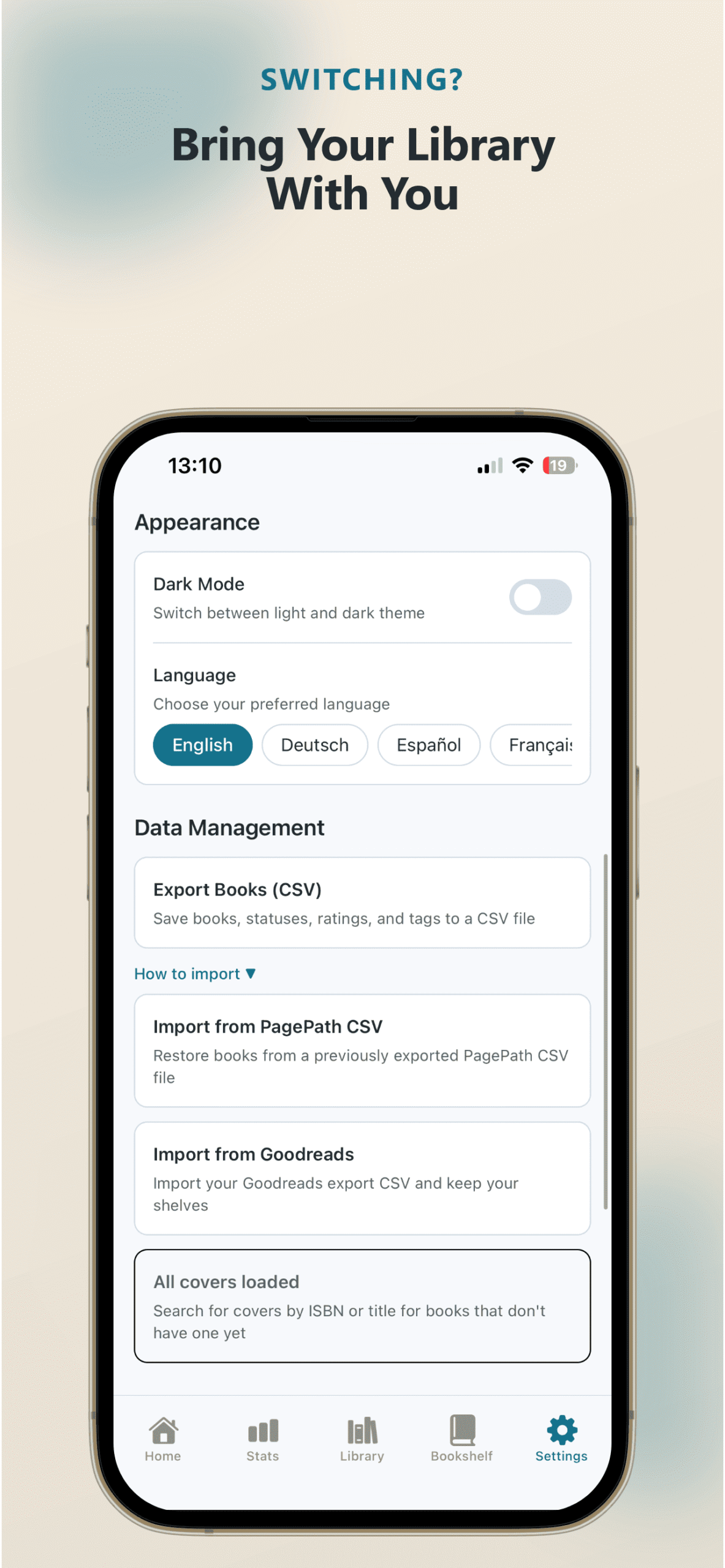
Import & Export
Bring your Goodreads library. Keep your backup.
One tap to import your Goodreads CSV - books, ratings, shelves, and dates carry over. Export your full reading history as CSV anytime. Your data is always yours to take.
What readers say
★ 5.0 average on both stores. Every review so far - five stars.
"Fantastic app! I love finally seeing my books in a digital library. It's so easy to use; you just scan the ISBN and bam, the book is there. You can create genres and even play book roulette if you're ever stuck for what to read. A really well-designed app. A must-have for bookworms."
Sabine on Google Play
"I love the privacy of this tracker. I don't want to worry about the social media aspects of the major trackers, so this was a perfect app!"
hngkong on the App Store
"Simple and clear!"
Benjamin on Google Play
Join them - your first 25 books are free.
Up and running in under a minute
No onboarding. No tutorial. No sign-up form. Just open the app and start.
-
Add a book
Scan the ISBN or type in the author and title. Takes about 10-15 seconds either way.
-
See your stats
PagePath calculates totals automatically - books this month, pages this year, your longest streak.
-
Stay motivated
Watch your library grow. Check your streak. Remind yourself that yes, you did read 23 books last year.
"It can't be that hard."
My friend was annoyed. Every reading tracker she tried cost too much, did too little, or nagged her constantly. I said "it can't be that hard." That sentence cost me ten months.
Along the way I understood her frustration: I couldn't figure out why other trackers put half their features behind a subscription. Logging a book is not a service. It shouldn't bill you monthly.
So PagePath is the app I'd hand her: it works, it tries not to be annoying, and it's not another subscription to think about. I maintain the app myself, ship improvements with each update, and if you email me, I'm the one who replies.
- Andreas, indie developer, Germany
Frequently asked questions
Not sure yet?
If you're thinking about leaving Goodreads, start here. This guide walks you through exporting your full library and what to do with it.
Read the Goodreads export guideHelp make PagePath better
Found a bug or have a feature idea? Let me know.
Want to help translate? Native speakers welcome.
[email protected]